
Onboarding
How do I connect MetaMask to the Dollarparking app?
To use Dollarparking, first install the official app and connect MetaMask.
Follow the steps below to confirm that the connection is complete.
1. Install the Dollarparking app
Download the official Dollarparking app from Google Play
Open the app after the installation is complete.
- Dollarparking does not send wallet connection links by text message or email.
- Connecting MetaMask to an unverified website may result in the loss of your assets.
2. Select your language
Choose the language you prefer on the first screen.
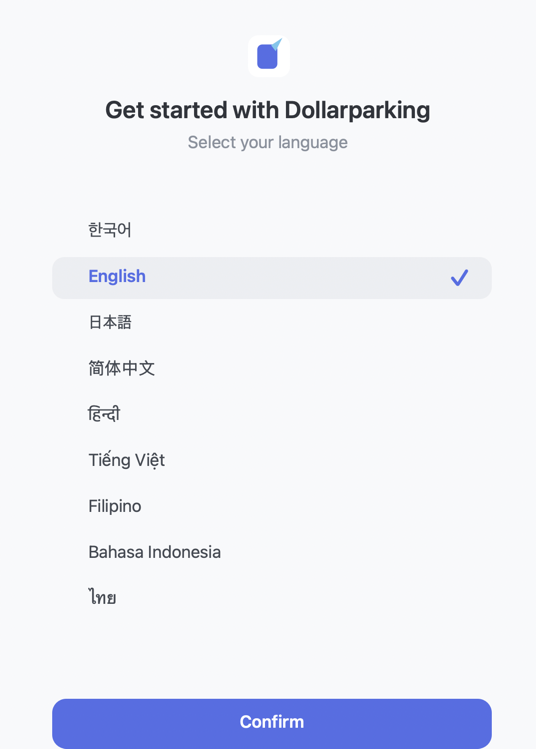
3. Select Connect MetaMask
Review and accept the Terms of Service and Privacy Policy, then select Connect MetaMask.
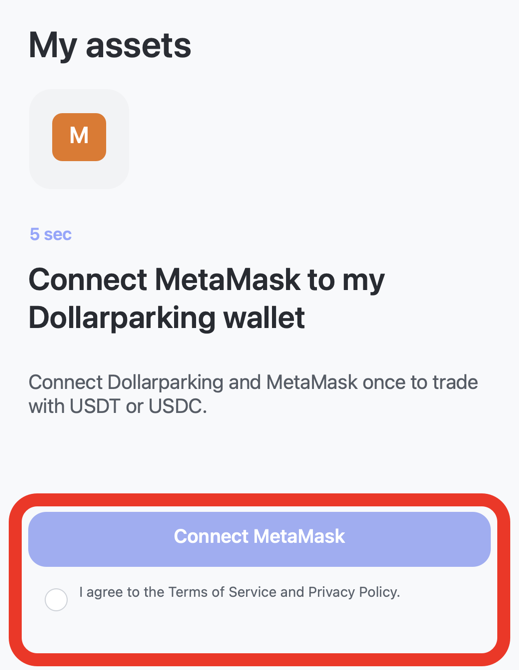
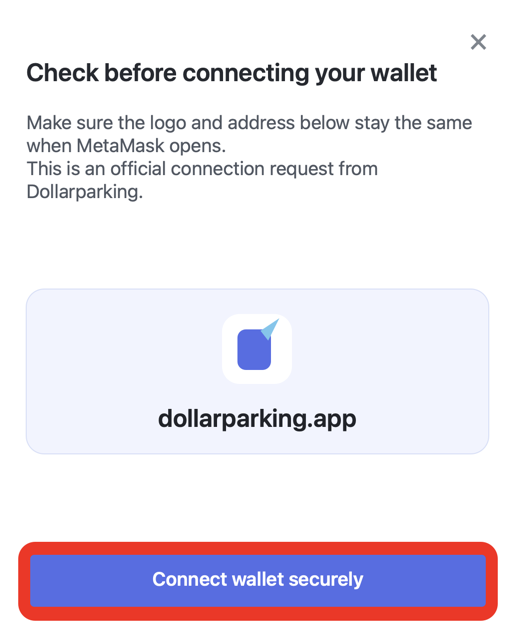
4. Select Connect wallet securely
Check the Dollarparking logo and the
dollarparking.appaddress shown on the screen.
If both are correct, select Connect wallet securely.
It may take up to 15 seconds to switch to the MetaMask app and display the permission request.
Does the MetaMask screen not open?
Close MetaMask completely, then refresh the Dollarparking page.
Start again from step 3.
5. Select the account to connect
On the permission request screen, select the account you want to connect to Dollarparking, then select Connect.
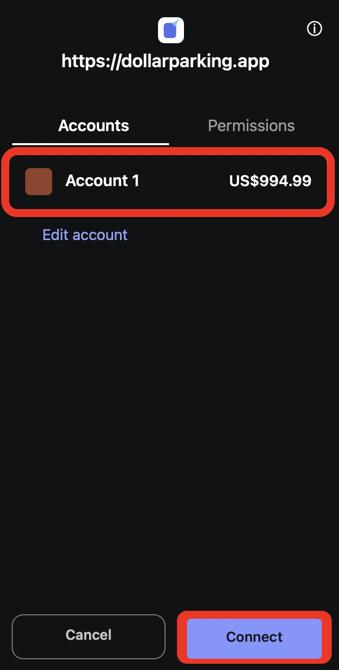
6. Confirm the connected status
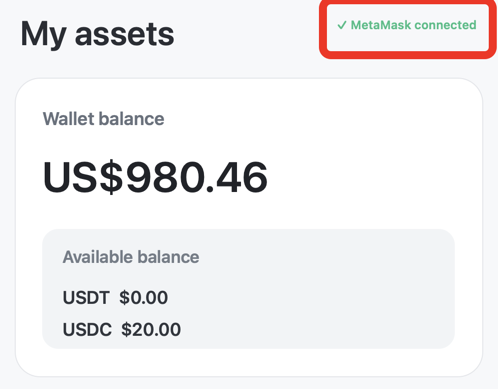
The connection is complete when MetaMask connected appears on the Dollarparking screen.
You do not need to prepare ETH for trading
Dollarparking handles the Ethereum network fee required for a trade.
You can therefore trade even if your wallet does not hold ETH.
The value and exchange rate of assets traded directly from a personal wallet may change, and losses may occur.
Dollarparking does not hold user assets, and every trade must be reviewed and approved by the user in their own wallet.